
GRITS Guide

⌘K
  1. Home
  2. GRITS Guide
  3. Project Details Page
  4. Copy a Project

Copy a Project

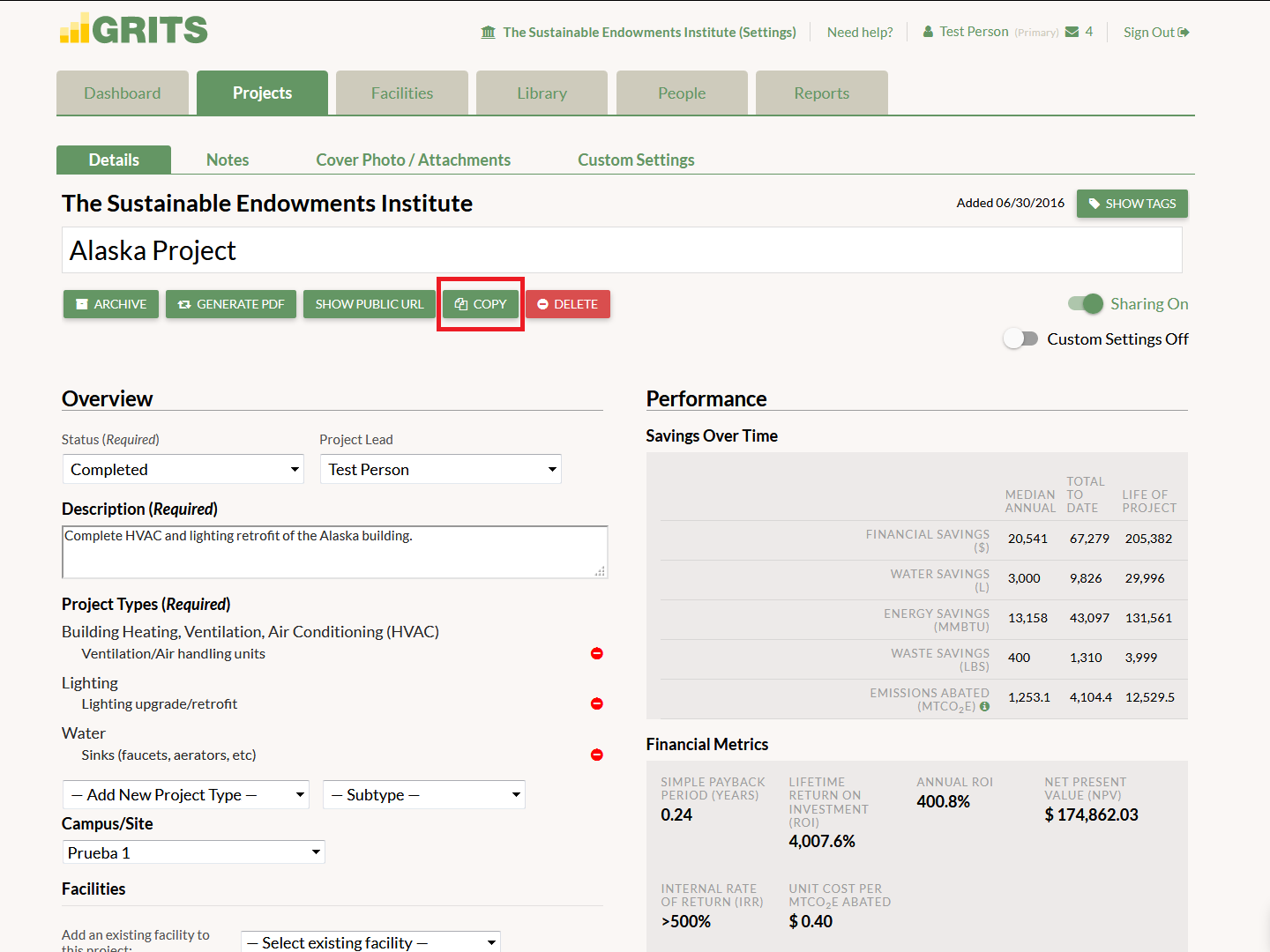
If you’re planning to enter a project similar to one you’ve already added or simply wish to save time in the data entry process for your next project, you can create a copy of the projects in your account–just click the “Copy” button on your Project Detail page. The copy will be generated in seconds. Copies of projects marked as Completed will be switched to the Proposed status so as to not immediately enter the Library.
ABOUT GRITS

GRITS is an easy-to-use platform designed to help institutions analyze, track, and share the energy, financial, and carbon-saving impacts of their sustainability projects. More than 800 institutions in the United States, Canada, the United Kingdom, Australia, and New Zealand use GRITS to advance their sustainability goals.